
A free trademark search rules out the obvious conflicts. It does not rule out the expensive ones. If you only remember one thing from this article, remember that, because the gap between those two sentences is where most naming mistakes happen.
Here is what a free trademark search is actually good for, the eight free trademark search tools worth your time, and how to run one yourself in about 30 minutes.
Key takeaways:
- A free trademark search finds identical and near-identical wordmarks on public registers, roughly 10% of what a full clearance covers.
- The eight free trademark search tools worth using: USPTO, WIPO Global Brand Database, EUIPO eSearch plus, UKIPO, CIPO, IPOS, TMview, and Trademarkia.
- A thorough free search takes about 30 minutes across seven steps.
- Free searches miss phonetic variants, design marks, common-law use, state registrations, and translations.
- Pay for a full clearance ($300 to $1,500 per name per jurisdiction) before filing, brand investment, or a funding round.
What a free trademark search actually tells you
A free trademark search checks whether an identical or near-identical mark already sits on a specific public register. That is genuinely useful. The USPTO received 612,000+ trademark applications in 2025, roughly 1,700 new filings per day, and a real chunk of rejections come from names that a ten-minute search would have caught.
What a free search does well:
- Flags identical wordmarks on a specific register
- Catches common plural and hyphen variants if you search for them
- Shows the registration status (live, pending, dead, abandoned)
- Gives you the Nice class the existing mark was filed in, which tells you how close it sits to your goods or services
What a free search does not do:
- Phonetic matching at professional depth (WYLDE vs WILD, SYNQ vs SINK)
- Fuzzy matching on misspellings and creative respellings
- Design-mark searches by visual element (logos without overlapping words)
- Common-law use, meaning businesses operating under a name without ever registering it
- State-level US registrations
- Translations and transliterations across languages
An identical-mark-only search covers under 10% of what a full clearance search should cover. That is not a criticism of free tools. It is the honest shape of what "free" buys you. A single-class USPTO application costs $350 in filing fees, and a rejection costs that plus whatever attorney time you burned. Full professional clearance runs $300 to $1,500 per name per jurisdiction. The free search is the thing you do before you spend any of that money, to filter out the obvious losers.
Likelihood of confusion is the legal doctrine that decides whether two marks can coexist, and the grey area there is exactly what free tools cannot evaluate. Keep that in mind as you work through the rest of this piece.
The eight free trademark search tools worth knowing
Most "best free trademark search tool" lists run to twenty entries because they count every USPTO wrapper as a separate product. That is noise. Here are the eight that actually differ in what they cover.
| Tool | Jurisdictions | Phonetic | Fuzzy / Design | Multi-office Query | API Access |
|---|---|---|---|---|---|
| USPTO Trademark Search | US only | Yes | Yes | No | Limited (bulk data) |
| WIPO Global Brand Database | 60+ offices | Yes | Yes | Yes | No |
| EUIPO eSearch plus | EU (27 states) | Yes | Yes | No | Yes (paid) |
| UKIPO | UK only | Limited | Limited | No | No |
| CIPO (Canada) | Canada only | Limited | Limited | No | No |
| IPOS (Singapore) | Singapore only | Limited | Limited | No | No |
| TMview | 70+ offices | Limited | Limited | Yes | No |
| Trademarkia free tier | US (plus some others) | Limited | No | No | Paid only |
| Signa free tier | 5+ offices | Yes | Yes | Yes | Yes (1,000/mo free) |
Free Tool Coverage: What Each One Actually Does (0=no, 1=limited, 2=yes, 3=broad)
1. USPTO Trademark Search (United States). Free. Covers every active and inactive US federal trademark. The USPTO retired TESS in late 2023 and replaced it with a modernized search system at tmsearch.uspto.gov. If you plan to sell in the US, this is your first stop. Search by wordmark, owner, serial number, or Nice class.
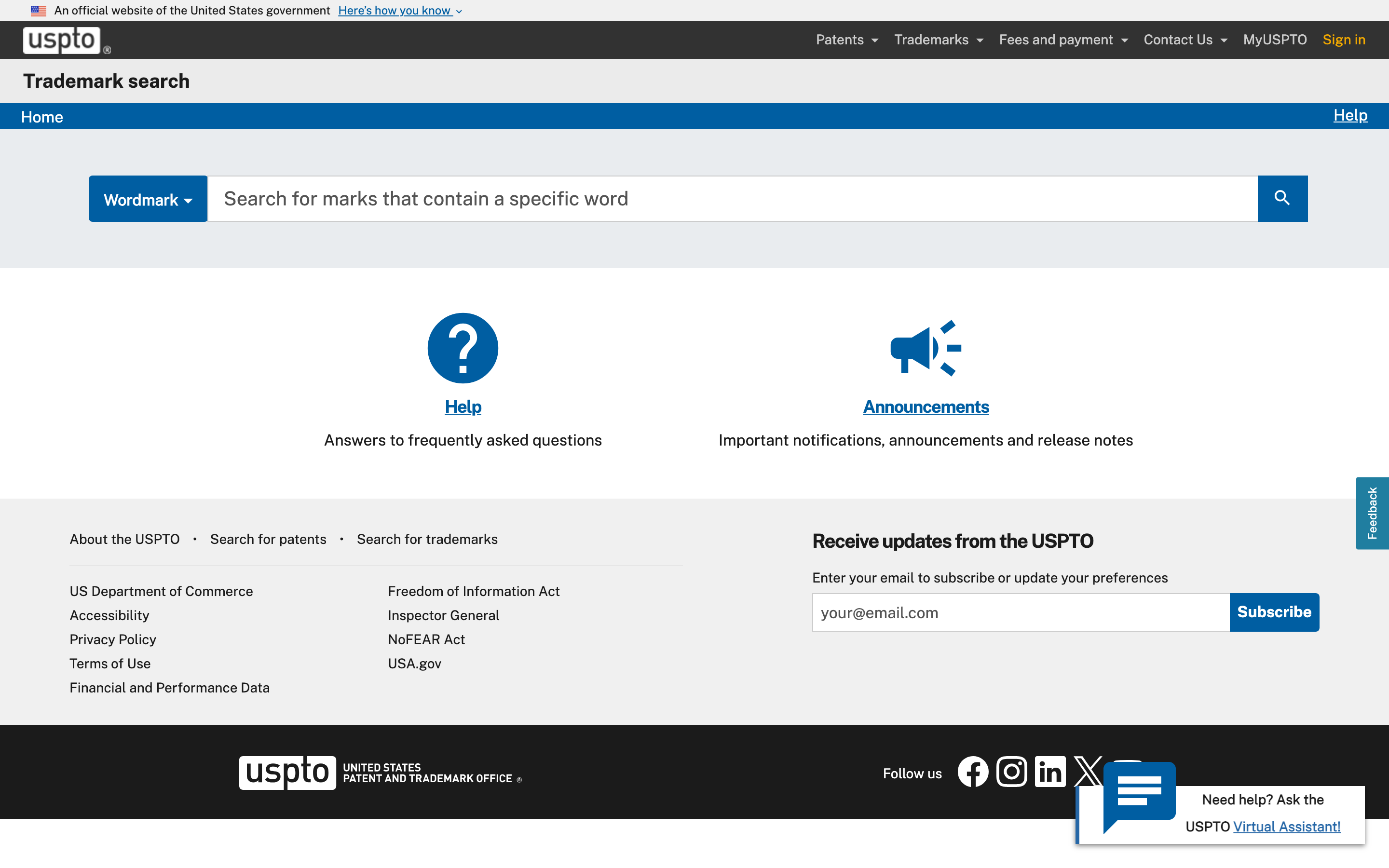
USPTO free trademark search interface, which replaced TESS in late 2023
2. WIPO Global Brand Database. Free. Run by the World Intellectual Property Organization. Global Brand Database covers 60+ national and regional registers plus the Madrid Register (the international filing system). If you are checking more than one country, start here instead of jumping between national offices.
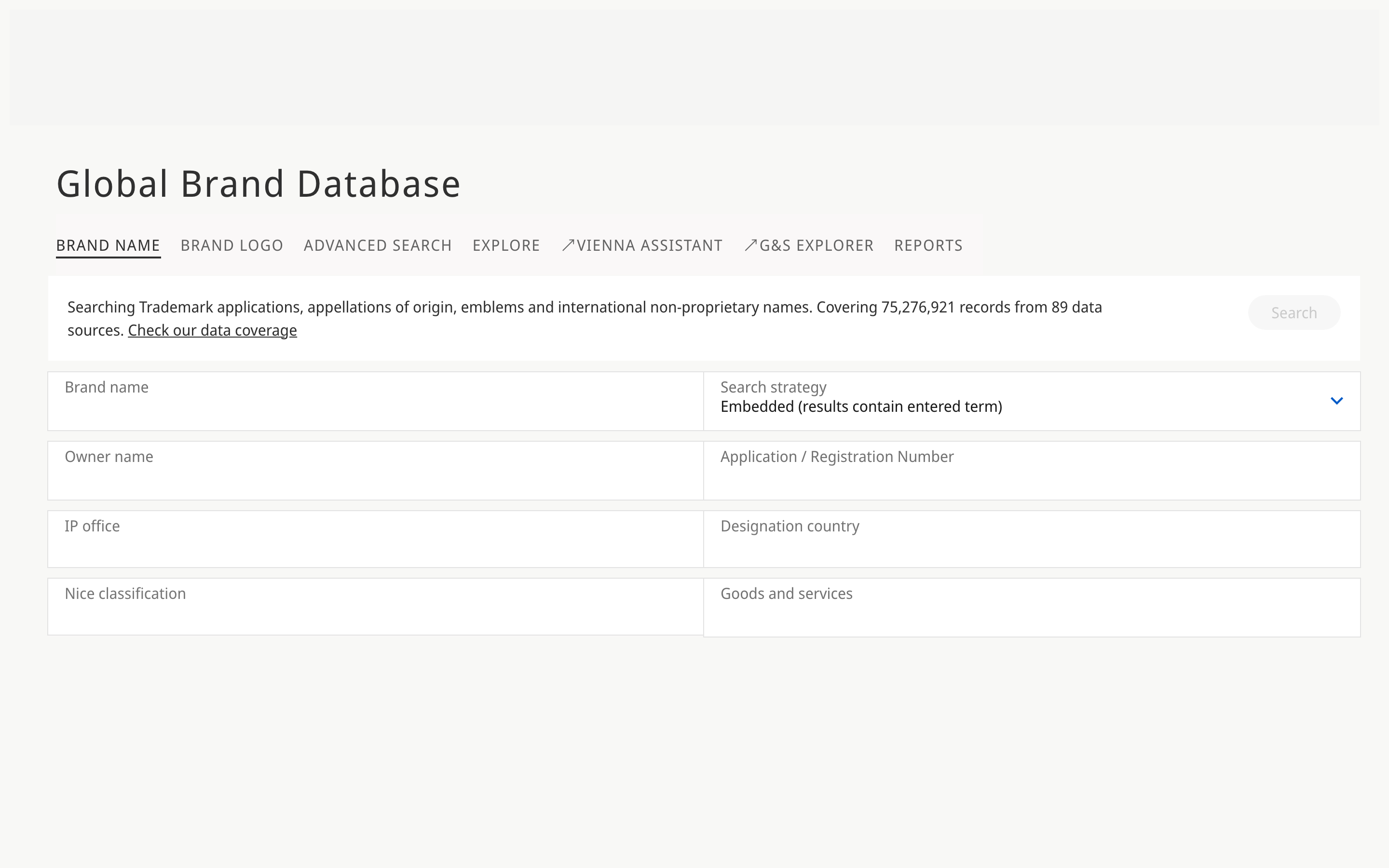
WIPO Global Brand Database free trademark search covering 75M+ records across 89 data sources
3. EUIPO eSearch plus (European Union). Free. eSearch plus covers every EU trademark (EUTM), around 1.5M active marks across all 27 member states in one register. A single EUTM gives you protection in every EU country, so this database punches above its size.
4. UKIPO Trademark Search (United Kingdom). Free. The UK national register is separate from the EU system since Brexit. One-liner worth knowing: UK protection is not automatic from an EUTM anymore, so this search matters if the UK is in your plan.
5. Canada Trademarks Database (CIPO). Free. The full Canadian register. Straightforward interface, a bit dated, but it works.
6. IPOS TM Search (Singapore). Free. The Singapore register. Small compared to the US or EU but important if you are launching in Southeast Asia, since Singapore often serves as the regional IP anchor.
7. TMview. Free meta-search run by EUIPO. TMview queries 70+ offices at once, including the USPTO, EUIPO, WIPO, UKIPO, and most of Asia. Results are less detailed than a native-office search, so use TMview to cast a wide net, then drill into each office's own database for the hits.
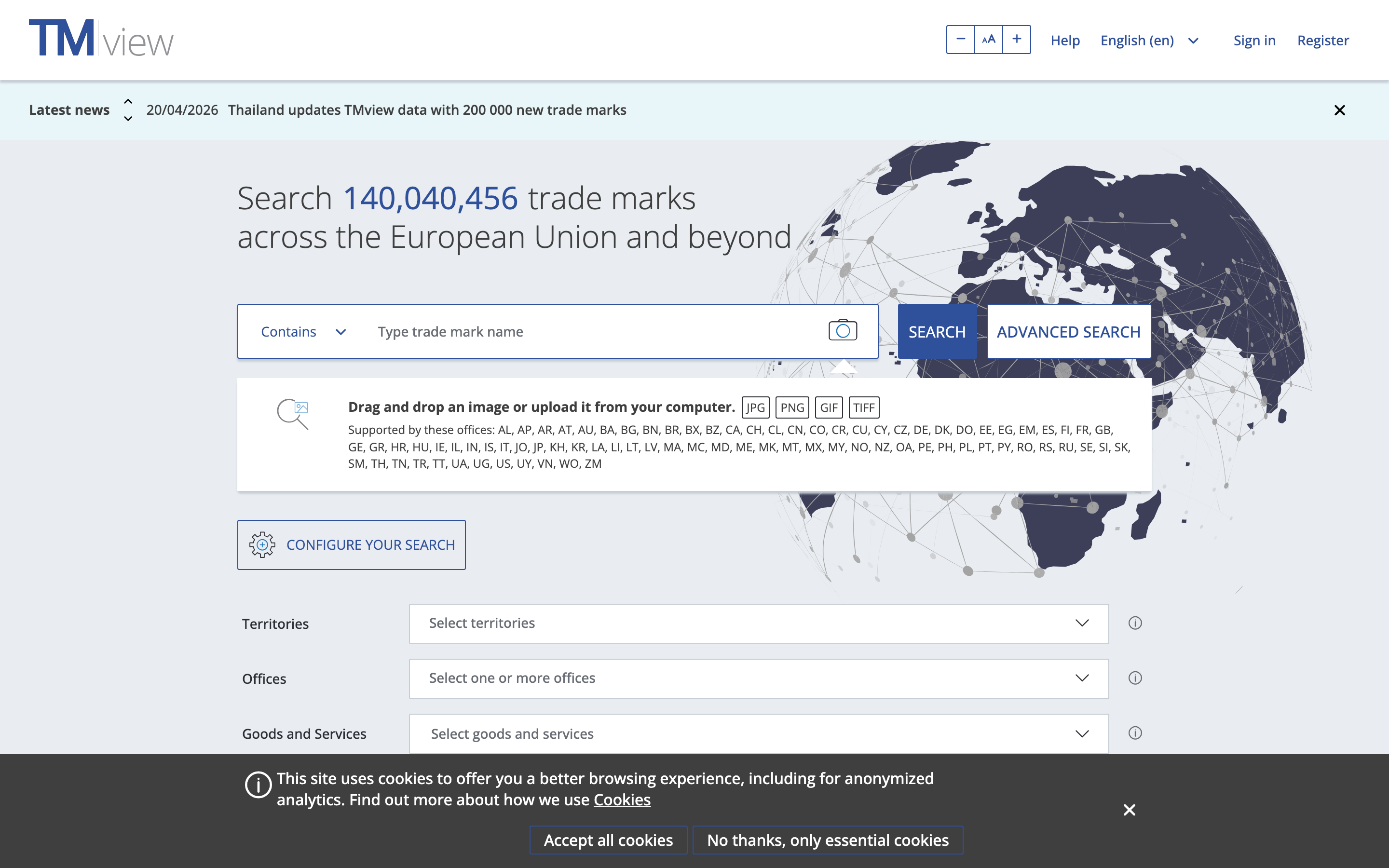
TMview free trademark search spanning 140 million marks across the EU and beyond
8. Trademarkia free tier. Trademarkia is a private aggregator that wraps USPTO data (and some others) in a cleaner UI. The free tier lets you run basic identical searches. Trademarkia also operates as an acquisition funnel for paid filing services, so expect upsells in the flow. It is a fine quick US check, but the USPTO's own tool has deeper query capabilities and no upsell.
One more worth listing, because it is relevant to anyone building software around this: Signa free tier gives you 1,000 searches per month across USPTO, EUIPO, WIPO, UKIPO, and more in a single API call that returns JSON. If you are clicking through five browser tabs to run the workflow below, that is the version with the browser tabs collapsed into one request. More on that at the end.
How to run a free trademark search, step by step
You can do a solid free trademark search in about 30 minutes if you follow a process. Most people skip steps, which is why most people miss things.
Step 1. Write the name down, plus its variants. The exact wording. Then the plurals, the hyphenated versions, the common misspellings, and any phonetic twins you can think of. If the name is CALDERA, write down CALDERAS, CALDERA'S, CAL-DERA, KALDERA, KALDAIRA, and any real word close enough to worry about. You are looking for what an examiner would flag, not just what you named.
Step 2. Map your goods or services to Nice classes. Trademark rights are tied to classes, not to the whole world. Class 25 covers clothing. Class 9 covers software. Class 41 covers education and entertainment. If you sell apparel, you care about Class 25 first, then the neighbors that frequently get cited together (Class 18 for leather goods, Class 14 for jewelry, Class 35 for retail services). If you do not know your class, start with the Nice classification explainer before you search, because searching in the wrong class tells you nothing useful.
Step 3. Run an identical search, office by office. Start with the USPTO if the US is on your list (our how to search trademarks primer walks through the query mechanics). Then TMview for global coverage. Then the native databases of any region that matters to you (EUIPO, UKIPO, CIPO, IPOS). Filter by your target class and the neighboring classes from Step 2. Record every hit, including dead marks, because a dead mark tells you the name has been tried before.
Step 4. Run the variants. Go back through each tool and run the phonetic twins, the misspellings, and any visual variants you can think of. Free tools do not do this automatically. You have to run each one as a separate query. This step is where most free searches get shortcut, and it is also the step that catches the most problems.
Step 5. Expand into adjacent Nice classes. If you are in Class 25 clothing, check Class 18 and Class 35. If you are in Class 9 software, check Class 42 (SaaS/tech services) and Class 41 (digital content). Related goods create likelihood of confusion even when the class numbers differ. This is the step that separates a thirty-minute search from a five-minute one.
Step 6. Check domain and social handles separately. This is not trademark, but it is naming. A name can be trademark-clear and still unusable because the .com and the main social handles are taken by someone you cannot buy out. Do this in parallel so you do not waste time clearing a name you cannot actually use.
Step 7. Document what you found and when. Registers change. A mark that was pending today might be registered next month. Save screenshots, the serial numbers of any close hits, and the date. If you come back to this name in six months, you will want a record. If you ever end up in front of an attorney, they will want the record too.
If any step produces a close hit, stop and evaluate before you keep going. A close hit in your exact class is your answer. You do not need to complete the workflow just to be thorough.
A worked example: clearing CALDERA in Class 25
Imagine this pattern. You are launching an outdoor apparel brand. The name you love is CALDERA. You want to sell jackets, pants, and hats in the US first, then Canada and the EU. You have 30 minutes and no attorney yet. Here is how the search plays out.
Step 1, variants. CALDERA, CALDERAS, CALDERA'S, CAL-DERA, KALDERA, KALDAIRA, CALDERRA. Add any Spanish-language connotations to the list, since "caldera" is a real Spanish and Italian word.
Step 2, classes. Class 25 covers clothing, footwear, and headwear, which is the core. Class 18 covers bags and leather goods, relevant if jackets use leather accents or you expect to add bags. Class 35 covers retail store services, relevant if you open a branded store or ecommerce channel that sells things beyond your own goods.
Step 3, identical search. Start in the USPTO. Query CALDERA in Class 25. You are looking for live registrations, pending applications, and recently dead marks (because a dead mark in your exact space means someone has tried this before, which tells you something). Then run CALDERA in TMview to pick up EU, UK, and Canadian coverage. Then drill into EUIPO and CIPO for anything that looked close in TMview.
Step 4, variants. Back through every tool with CALDERAS, KALDERA, KALDAIRA, CALDERRA. Phonetic twins matter here because examiners weight sound heavily. A hit on KALDERA in Class 25 apparel is a problem even though the spelling differs, because the two names sound identical and cover identical goods.
Step 5, adjacent classes. CALDERA in Class 18 (bags and leather). CALDERA in Class 35 (retail). If nothing close comes up, that is good news. If something close does come up, you are evaluating whether the goods are related enough to create consumer confusion.
Step 6, domains and handles. caldera.com status, caldera-apparel.com, the Instagram and TikTok handles. A great trademark with no usable web presence is a rebrand in year two.
Step 7, document. Save the USPTO query URL, the TMview results page, any serial numbers you flagged, and the date.
At the end of a search like this, classify your result as one of three outcomes. This is the shorthand I use when briefing founders who do not want to read a five-page memo.
Green light. No identical or near-identical marks in your target classes or adjacent ones. Domain and handles are available or buyable. You can move forward with confidence, though you should still plan a proper clearance search before you file or invest in brand identity. Green means "nothing obvious is blocking you." It does not mean "certified safe."
Yellow light. One or more close marks exist, but in distant classes, or dead, or in jurisdictions you do not care about. You can probably proceed, but this is the exact situation where you want an attorney to evaluate the grey area before you spend money on filing or design. Yellow is the zone where free tools stop being enough. Consult a trademark attorney for legal guidance specific to your situation.
Red light. An identical or near-identical mark is live in your exact class or a close neighbor. Walk away. Keep walking even if you love the name. The cost of fighting or coexisting is almost always higher than the cost of picking a different name now.
When a free trademark search isn't enough
Free tools are a filter, not a verdict. They do a few things well and several things not at all.
Here is what they will miss every time:
- Common-law use. Someone running a business under the name without ever filing a trademark. Common-law rights are real in the US and can block your registration or force you to rebrand.
- Pending applications in the indexing gap. Applications filed in the last 30 to 60 days may not appear in search results yet. Your "clear" search might miss a mark filed three weeks ago.
- State-level US registrations. The USPTO database is federal only. All 50 states maintain their own trademark registers, and state rights can still create problems.
- Design marks without shared words. Logo marks filed as images, without a dominant word element, will not surface in a text search even when they are visually similar to yours.
- Translations and transliterations. A mark registered in Chinese characters that translates to your English name is a real conflict that free tools will not show you.
- Adjacent-class confusion analysis. Free tools will show you marks in Class 18 if you search Class 18. They will not tell you whether a Class 18 mark creates a likelihood of confusion with your Class 25 filing. That is legal analysis.
Pay for a full clearance search before you file your application, before you invest in brand identity (logo, packaging, website build), and before a funding round where IP diligence will be on the table. Full clearance typically runs $300 to $1,500 per name per jurisdiction, done by an attorney or a clearance service. The cost is real, but it is a fraction of a $200,000 rebrand six months after launch.
Consult a trademark attorney for legal guidance specific to your situation. Use the free search to narrow your candidates. Use the paid clearance to validate the finalist. That sequencing is how most experienced filers actually do it. For the next step after you clear a name, see preparing your trademark application.
For developers: one API call instead of five browser tabs
Everything above is a manual process. If you are a founder running it once for your own brand, manual is fine. If you are building a product, an internal naming tool, or a brand-safety check inside a workflow, manual does not scale.
This is where an API makes sense. Instead of opening five browser tabs (USPTO, TMview, EUIPO, UKIPO, WIPO) and copying query results by hand, you query a single endpoint that returns normalized JSON from all of them.
const signa = new Signa({ api_key: process.env.SIGNA_API_KEY });

const results = await signa.trademarks.search({
  query: 'CALDERA',
  strategies: ['exact', 'phonetic'],
  filters: {
    offices: ['uspto', 'euipo', 'wipo', 'ukipo', 'cipo'],
    nice_classes: [25, 18, 35],
    status_primary: 'active',
  },
  options: { include_total: true },
  limit: 50,
});

console.log(
  `Found ${results.search_meta.total_results} hits in ${results.search_meta.execution_time_ms}ms`,
);

for (const tm of results.data) {
  console.log(
    `${tm.mark_text} [${tm.office_code}] class ${tm.nice_classes.join(', ')} status=${tm.status_primary}`,
  );
}
The Signa free tier gives you 1,000 searches per month, which covers most founder-level use and plenty of development work. If you are building this as a feature and need higher volume, the paid tiers scale from there. If you just want to run the workflow in this article once, stick with the browser tools above. They are free, they work, and an API is overkill for a one-time search.
Next steps after your free trademark search
If you are clearing a name for your own business, run the seven-step workflow above. Start with USPTO and TMview. Spend the 30 minutes. Classify your result as green, yellow, or red. If you land in yellow or green on a name you actually plan to file, book an hour with a trademark attorney before you spend anything on brand identity.
If you are building something that needs trademark data as infrastructure, the manual process will not hold. The Signa trademark search API is one way to get the same data programmatically. There are others. Either way, the principle is the same: use free tools to filter, use paid tools to verify, and never confuse the first for the second.