
Amazon Brand Registry is free to join. The trademark it requires is not. That single detail trips up thousands of sellers every year. They hear "free program," rush to enroll, and hit a wall: you need a registered (or pending) trademark before Amazon will let you in.
This guide covers the full path. What Amazon Brand Registry actually is, the trademark requirements and eligibility rules, how to get a trademark if you don't have one, the enrollment steps, and what tools you unlock once you're approved. If you're selling branded products on Amazon, this is the most important program you're not using yet.
What Is Amazon Brand Registry (and Why Does It Require a Trademark)?
Amazon Brand Registry is a free program that gives trademark holders tools to protect their brand and control their product listings on Amazon. It's run by Amazon, costs nothing to join, and is available to sellers in every Amazon marketplace.
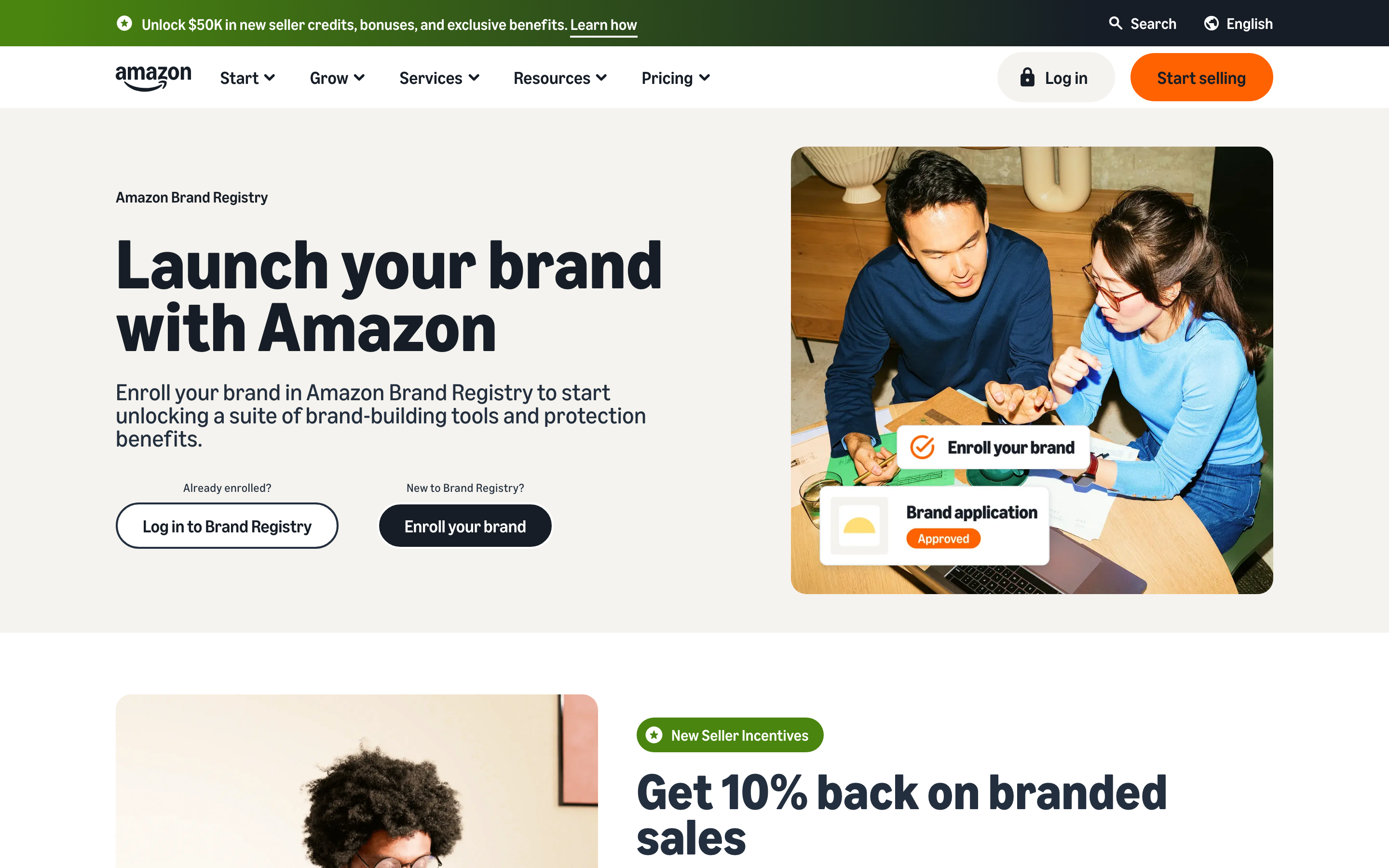
The Amazon Brand Registry homepage at sell.amazon.com/brand-registry, where brand owners start the enrollment process
The program exists because Amazon has a counterfeiting problem. With 1.9+ million active third-party sellers in the US alone, policing every listing manually is impossible. Amazon invested more than $1.2 billion and employed over 15,000 people in brand protection efforts in 2023 alone. Brand Registry shifts some of that burden to brand owners by giving them tools to identify and report fakes, control their product detail pages, and access data about how customers find their products.
A common misconception: Brand Registry is just a badge or a label. It's not. It's the gateway to the most powerful seller tools Amazon offers. A+ Content, Brand Analytics, Sponsored Brands advertising, Project Zero, Amazon Vine. None of these are available without Brand Registry enrollment.
The trademark requirement is the filter. Amazon uses it to verify that you actually own the brand you claim to represent. Anyone can say "I own this brand." A trademark registration (or pending application) from a recognized trademark office is how you prove it. As of 2025, over 700,000 brands have enrolled globally.
In short: Amazon Brand Registry is a free enrollment program that requires a trademark. It gives brand owners tools to protect listings, access premium advertising, and analyze customer search behavior on Amazon. The only cost is obtaining the trademark itself.
Amazon Brand Registry Requirements and Eligibility
Not every trademark qualifies. Amazon has specific eligibility requirements about mark type, issuing office, and registration status. Here's what you need to meet brand registry eligibility.
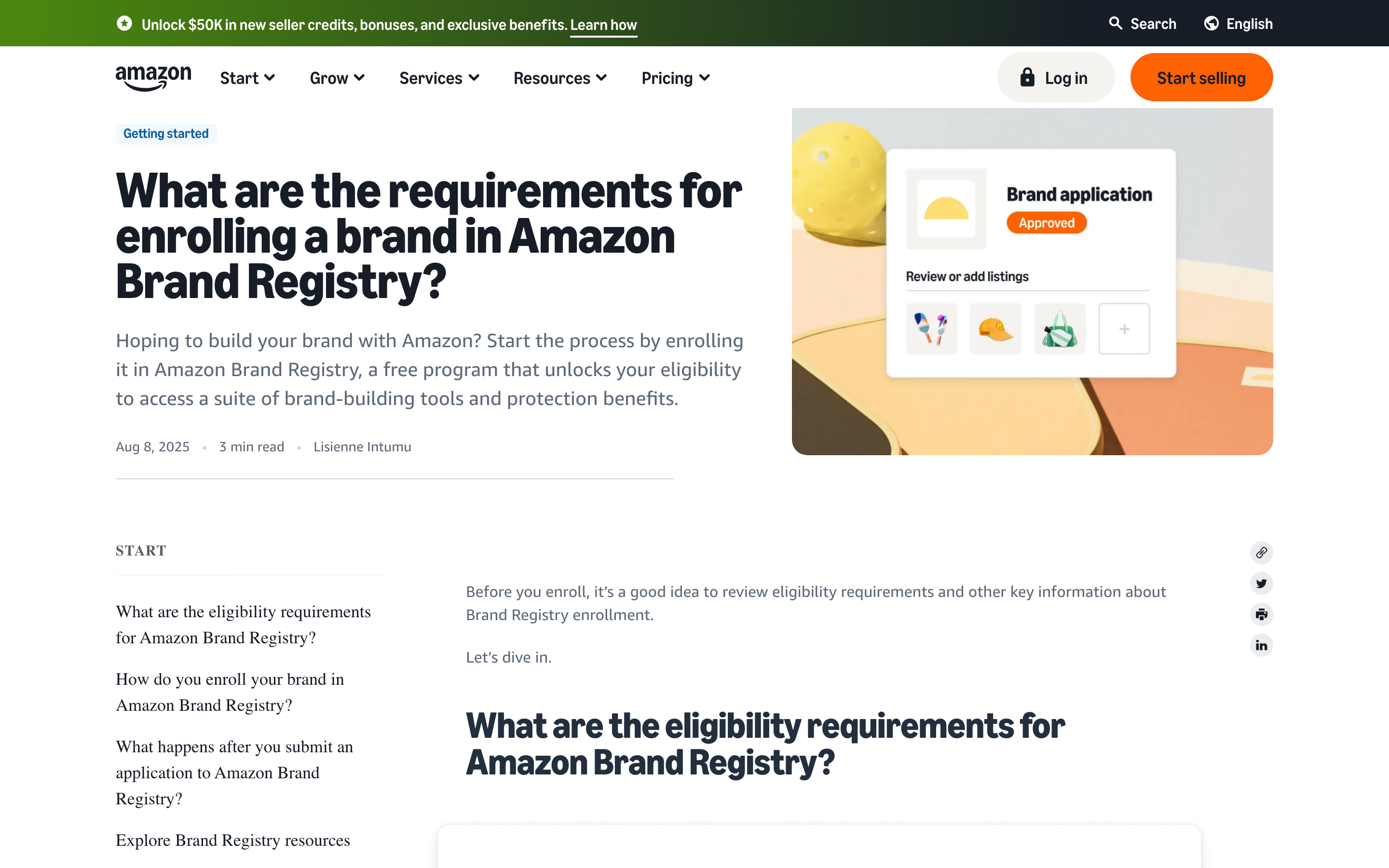
Amazon's official Brand Registry eligibility requirements page, which lists the trademark offices and mark types Amazon accepts
Types of trademarks accepted. Amazon accepts two types: text-based marks (called "standard character" marks at the USPTO) and image-based marks (design marks that include a logo or stylized text). Text-based marks are strongly preferred. If you file a design mark, the text element in the design must match your brand name on Amazon exactly. A purely graphical logo with no text won't work.
Which trademark offices are accepted. Amazon accepts trademarks from most major national and regional offices, including the USPTO (US), EUIPO (EU), UKIPO (UK), CIPO (Canada), and WIPO (the World Intellectual Property Organization, which administers the Madrid Protocol for international registrations). The full list includes offices in Japan, India, Australia, Mexico, Brazil, and several others. If you're selling primarily in the US, a USPTO registration is the most straightforward path.
Registered vs. pending trademarks. Amazon now accepts pending trademark applications, not just registered marks. This is a significant change from the program's earlier years. Previously, you had to wait 8-12 months for your registration to complete before you could enroll. With a pending application, you can join Brand Registry sooner, but with limited access. Some tools (like the full suite of automated protections) are only available to registered trademark holders.
The exact-match rule. Your trademark text must match your brand name on Amazon exactly. If your trademark registration says "GREENLEAF OUTDOORS" and your Amazon brand name is "Greenleaf," that's a mismatch, and Amazon will reject your enrollment. This is the single most common reason applications get denied.
What doesn't qualify. Collective marks, certification marks, and purely design marks without any text element are not accepted. If your trademark is a logo without text, you'll need to file a separate text-based mark for Brand Registry purposes. Similarly, if your mark is a phrase or slogan that doesn't match your brand name, it won't work either.
Amazon Brand Registry eligibility checklist:
- A text-based or image-based trademark (text-based preferred)
- Trademark issued by a recognized national or regional office (USPTO, EUIPO, UKIPO, CIPO, WIPO, etc.)
- Registered mark or pending application with an active status
- Trademark text matches your Amazon brand name exactly
- You are the trademark owner (or an authorized agent of the owner)
How to Get a Trademark for Amazon Brand Registry
If you don't have a trademark yet, here's what the process looks like. This isn't a full filing guide (the guide to how trademark registration works covers that), but it covers the key decisions Amazon sellers need to make.
5 steps to a trademark registration:
-
Search for conflicts. Before you file anything, search existing trademark databases to see if someone already owns a similar mark in your product category. This step prevents the most expensive mistake: filing an application that gets rejected because of a prior registration. You can search the USPTO's database directly or use a third-party search tool.
-
Choose your filing basis. At the USPTO, you have two main options. Section 1(a) means you're already using the mark in commerce (selling products with this brand name). Section 1(b) means you intend to use the mark but haven't started yet. Most Amazon sellers who already have listings file under 1(a).
-
Select your Nice class(es). Nice classes are the international system for categorizing goods and services into 45 classes. You must file in every class that covers your products. For Amazon sellers, the most common classes are: Class 18 (bags, luggage), Class 20 (furniture), Class 21 (kitchen and household), Class 25 (clothing), Class 28 (toys and games), and Class 9 (electronics and software). Filing in the wrong class is one of the top reasons applications get rejected or fail to provide the protection you need.
-
File at the USPTO. You'll use the USPTO's online system. The filing fee is $250 per class (TEAS Plus) or $350 per class (TEAS Standard). TEAS Plus is cheaper but requires you to select your goods and services from a pre-approved list. Most straightforward product descriptions are available.
-
Respond to office actions. If the examining attorney finds an issue with your application, they'll issue an "office action" explaining the problem. You typically have 3 months to respond. Common issues include a likelihood-of-confusion refusal (your mark is too similar to an existing one) or a request to clarify your goods/services description.
Timeline. Expect 8-12 months from filing to registration. If you file under Section 1(b), add extra time for filing the Statement of Use after your mark is approved.
Cost. Filing fees run $250-$350 per class. If you hire a trademark attorney (recommended for first-time filers), expect to pay $1,000-$2,500 on top of filing fees. For a detailed breakdown, see the guide to trademark costs.
The 3 mistakes Amazon sellers make most often:
- Filing a design mark when they need a standard character mark. For Brand Registry, text-based marks are simpler and more flexible.
- Selecting the wrong Nice class. If you sell kitchen gadgets and file under Class 11 (lighting and heating) instead of Class 21 (kitchen utensils), your registration won't cover your actual products.
- Skipping the clearance search. Filing without searching is a gamble. If a conflicting mark exists, you'll lose your filing fees and 8-12 months of waiting time.
If you're still deciding on your brand name, read the guide to trademarking a name before you file.
How to Enroll in Amazon Brand Registry (Step by Step)
Once you have a trademark (registered or pending), enrollment is relatively straightforward. Here's what you'll need and how it works.
Prerequisites checklist:
- A trademark registration number or serial number (pending applications use the serial number)
- Images of your brand as it appears on products or packaging
- A list of product categories where your brand sells
- An Amazon Seller Central, Vendor Central, or standalone Brand Registry account
5-step enrollment process:
-
Sign in. Go to brandregistry.amazon.com and sign in with your Amazon account. If you don't have a Seller Central or Vendor Central account, you can create a standalone Brand Registry account.
-
Enter your trademark information. Provide your trademark registration number (or serial number for pending applications), the trademark office that issued it, and the trademark owner's name. The owner name must match what's on file with the trademark office.
-
List your product categories. Select the categories where your brand manufactures or sells products. This helps Amazon associate your brand with the right product listings.
-
Upload brand images. Provide images showing your brand name on products, packaging, or storefronts. Amazon uses these to verify your brand is actively in use.
-
Submit and verify. After you submit, Amazon sends a verification code to the contact associated with your trademark registration. At the USPTO, this is the "correspondent of record," which is typically your trademark attorney. You'll need to coordinate with them to retrieve the code and enter it into Brand Registry.
Timeline. After you enter the verification code, approval generally takes 2-10 business days. Some sellers report faster turnaround; others experience delays if Amazon requests additional documentation.
After approval. You'll see a Brand Dashboard in your Seller Central account. From there, you can access all the Brand Registry tools, submit IP violation reports, and manage your brand's presence across Amazon.
One important detail: if your trademark attorney is the correspondent of record (which is typical), make sure they know to expect the verification email from Amazon. If the code expires before you retrieve it, you'll need to request a new one, which can add days to the process.
Amazon Brand Registry Benefits: What Enrollment Unlocks
Amazon Brand Registry benefits go beyond basic protection. Enrollment unlocks a suite of tools that directly impact your sales, your advertising options, and your ability to control how customers see your products.
A+ Content. Registered brands can replace the standard text product description with rich content: high-resolution images, comparison charts, brand story modules, and formatted text. This is one of the most immediately impactful benefits. Sellers consistently report that A+ Content increases conversion rates by 3-10%, depending on the category and execution quality. If you're competing against generic sellers, A+ Content is how you differentiate.
Brand Analytics. This gives you access to data that non-registered sellers simply can't see. Search term reports show you exactly which keywords customers use to find products in your category. Market basket analysis reveals what other products customers buy alongside yours. Repeat purchase behavior data shows which of your products generate the most loyalty. This data is genuinely valuable for product development and advertising strategy, not just nice-to-have reporting.
Automated protections. This is where Amazon has invested the most. Three programs work together:
- Project Zero lets you remove counterfeit listings yourself, without waiting for Amazon's team to investigate. You submit information about your brand, and Amazon's machine learning scans listings continuously to identify and remove suspected counterfeits.
- Transparency is a serialization service. You put unique Transparency codes on every unit you manufacture, and Amazon scans each unit at fulfillment centers to verify authenticity. Counterfeits without valid codes get blocked.
- Counterfeit Crimes Unit is Amazon's in-house team that pursues legal action against counterfeiters. They work with law enforcement globally.
Together, these protections led to the seizure and disposal of more than 7 million counterfeit products in 2023. Amazon's automated controls now stop more than 99% of suspected infringing listings before enrolled brands ever need to find and report them.
Sponsored Brands advertising. Without Brand Registry, you're limited to Sponsored Products ads. Brand Registry unlocks Sponsored Brands, which let you feature your logo, a custom headline, and multiple products at the top of search results. These ads are among the highest-converting ad formats on Amazon.
Amazon Vine. This invite-only review program lets you send products to trusted Amazon reviewers for honest, unbiased reviews. Vine reviews carry a "Vine Voice" badge and tend to be detailed and trusted by other shoppers. Access to Vine requires Brand Registry enrollment.
Brand dashboard and reporting. The centralized dashboard shows your IP violation reports, their status, and metrics on how Amazon is protecting your brand. You can track patterns in counterfeiting attempts, see which ASINs are targeted, and measure the effectiveness of your protection efforts.
Common Amazon Brand Registry Problems (and How to Fix Them)
Even after you understand the requirements, things can go wrong. Here are the 5 problems sellers run into most frequently.
Problem 1: Trademark name doesn't match brand name. This is the most common rejection. Your trademark registration says "GREENLEAF OUTDOORS CO." but your brand name on Amazon is "Greenleaf." Amazon requires an exact match. The fix: either update your brand name on Amazon to match your registration, or (if your trademark is still pending) consider amending your application before it registers. Changing a registered trademark is not simple, so get this right before you file.
Problem 2: Pending application status changes. If you enrolled with a pending trademark and your application gets refused or abandoned at the USPTO, Amazon will revoke your Brand Registry access. Monitor your application status through the USPTO's TSDR system. If you receive an office action, respond promptly. Missing a response deadline means your application goes abandoned, and your Brand Registry access goes with it.
Problem 3: Someone else registered your brand. If another party registered your brand name in Brand Registry before you, Amazon's process for reclaiming it involves submitting your trademark documentation and requesting a review. This gets complicated quickly, especially if the other party also has a trademark. In this situation, consult a trademark attorney who can evaluate whether you have grounds for cancellation or other legal remedies.
Problem 4: Unauthorized sellers after enrollment. Brand Registry protects against counterfeit listings, but it doesn't automatically remove unauthorized sellers of genuine products. If a third-party seller is reselling your authentic products without your authorization, Brand Registry alone won't stop them (this is known as the "first sale doctrine" in US law). You'll need a combination of MAP (minimum advertised price) policies, distribution agreements, and potentially Amazon's Brand Gating program to control your distribution.
Problem 5: International sellers with trademark office mismatches. If you sell in Amazon US but your trademark is registered with a non-US office (say EUIPO), you can still enroll. But if your trademark and your Amazon marketplace don't align, some protections may work differently. For the strongest protection on Amazon US, a USPTO registration is generally recommended. If you're selling across multiple Amazon marketplaces, you may need registrations in multiple jurisdictions.
Understanding how long a trademark lasts also matters here. Your Brand Registry access depends on maintaining your trademark registration. In the US, you must file maintenance documents between the 5th and 6th year after registration, and renew every 10 years thereafter. If your registration lapses, your Brand Registry access is at risk.
Consult a trademark attorney for legal guidance specific to your situation. The information in this guide explains how the process typically works but does not constitute legal advice.
Is Amazon Brand Registry Worth It?
The Amazon Brand Registry cost is zero. The program itself is free. The real cost is the trademark it requires.
A USPTO trademark application costs $250-$350 per class in filing fees, plus $1,000-$2,500 if you hire an attorney. That's $1,500-$3,000 total for a single-class registration, a one-time investment (with nominal renewal fees every 10 years) that unlocks tools worth significantly more in recovered sales, prevented counterfeiting, and higher conversion rates from A+ Content alone.
When is it not worth it? If you're selling unbranded, generic, or white-label products with no intention of building a brand, Brand Registry offers limited value. Similarly, if you're exclusively a reseller of other companies' products, you can't enroll with someone else's trademark. The program is designed for brand owners.
The long-term perspective matters too. A trademark isn't just an Amazon asset. It protects your brand across all channels: your own website, retail partners, other marketplaces. To understand the differences between trademarks, patents, and copyrights, and which type of IP protection applies to your situation, that comparison is worth reading. Brand Registry enrollment is a bonus on top of protection you should arguably have anyway. If you're building a brand that will outlast any single sales channel, the trademark is the foundation.
If you're building e-commerce tools or brand protection workflows, Signa's trademark API can help automate trademark searches across 200+ offices at signa.so.